Linux Apps Starter Kit (Gnome Edition)
I find beautiful, well-designed, native applications to be a source of inspiration when using my computer. I've posted on Mastodon about the native Mac applications that were hard to leave when switching to Linux. Now that I've fully made the switch, I figure it's only fitting to do the reverse post on the Linux applications that I've fallen in love with.
For this post, I'll be focusing on Gnome/GTK/Adwaita applications. Why? Two reasons. First off, I use Fedora with Gnome 49 so I'm most familiar with this territory. Second, Gnome has a very well defined HIG (Human Interface Guidelines), resulting in a strong visual identity. Applications enhance the operating system in a consistent, fluid way, rather than serving a jarring experience (ie an electron app with radically different UI/UX). This is key to me for finding inspiration and joy when using an application.
With all that said, let's dig into the apps I consider essential!
Audio
Shortwave
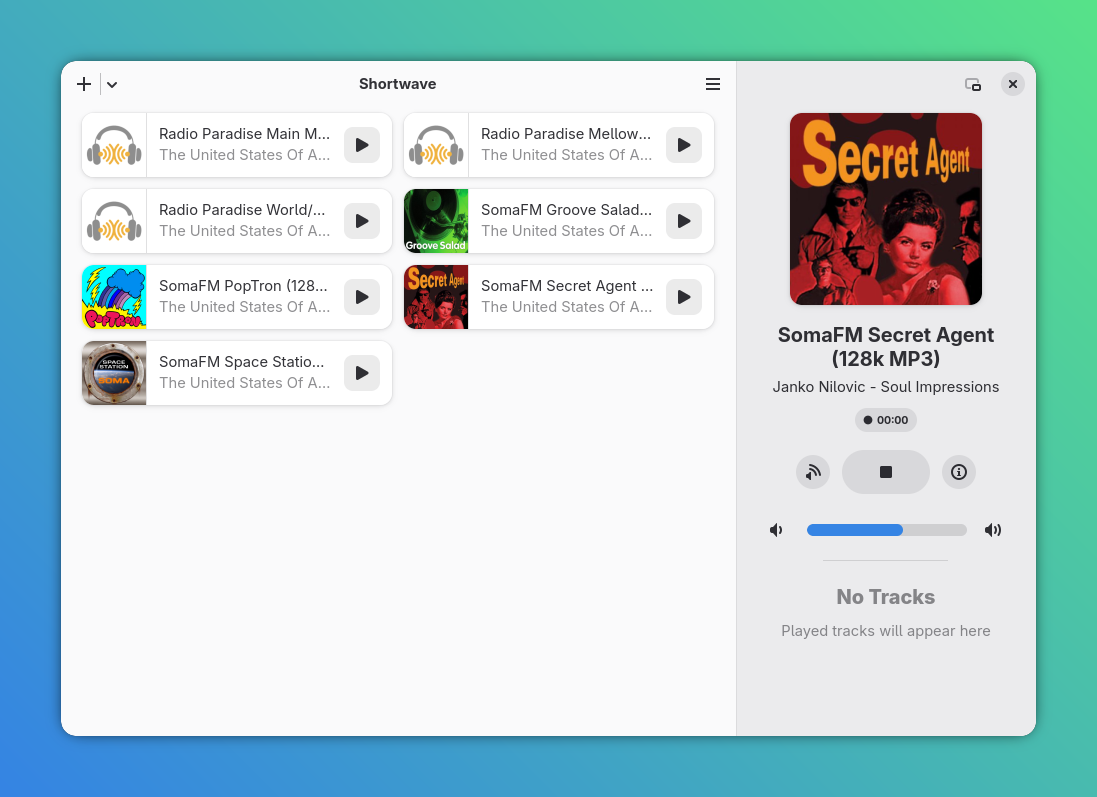
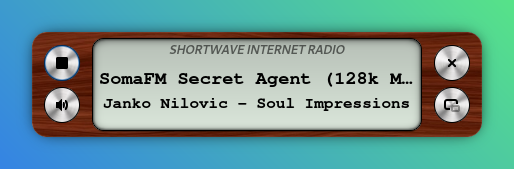
Internet radio is awesome and Shortwave is the best application I've found on any platform for listening to it. Search for stations, add to your library and jam! It also has a DVR-like function (okay I get it, I'm getting old) so you can download tracks you've listened to. Finally, there's an amazing skeuomorphic mini-player (I'm a sucker for skeuomorphic design).
Amberol
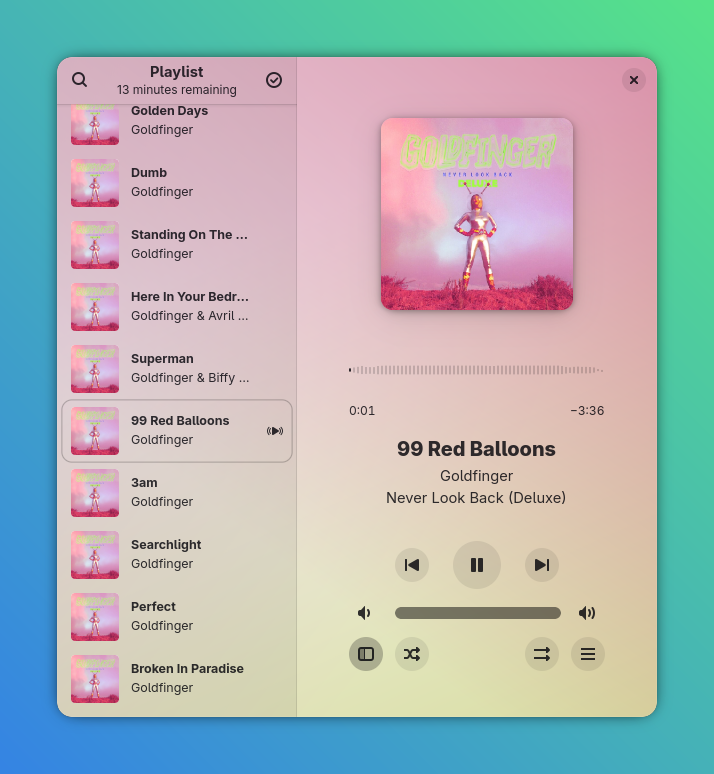
"Plays music, and nothing else" is the tagline of this beautiful audio player. For those of us still rocking local media collections, Amberol is the way to go. I mean, just look at it! Point it at a folder, play the music inside, easy! I have my NAS mounted as a bookmark in Nautilus, so I just point Amberol to my network music folder. Who needs streaming?!?
Blanket
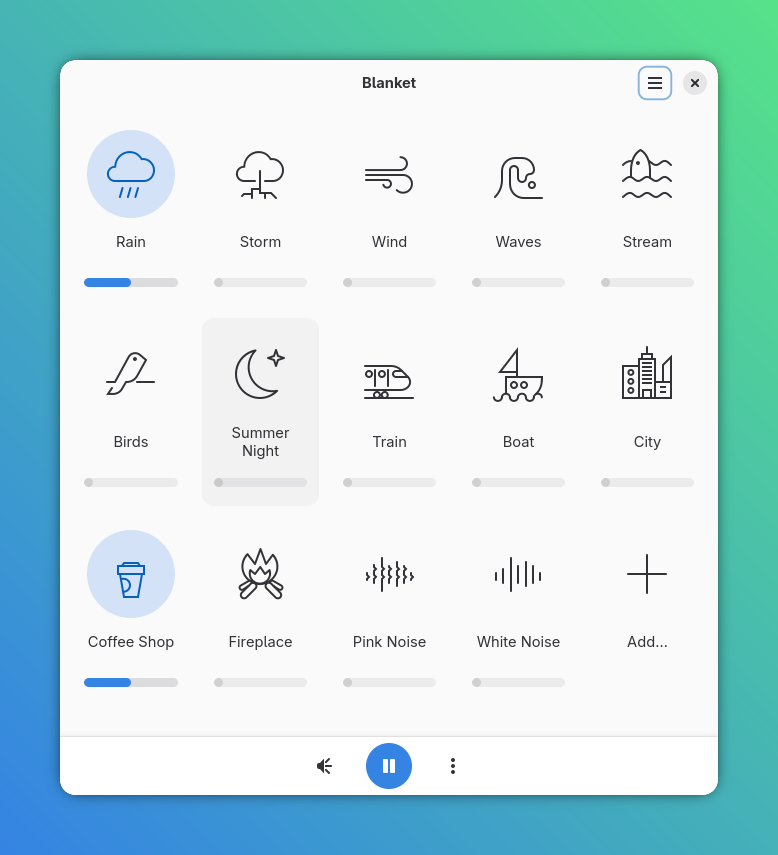
I've been using Blanket longer than most apps on this list, long before I made the full switch to Linux (and heck, it's probably one of the reasons I eventually made the switch). It's a no-frills ambient noise machine. Comes with a large selection of high-quality samples that can individually be toggled and adjusted. You can save preset configurations (ie coffee shop in a thunder storm), and add your own audio samples. On any other platform this would cost $15 or more, but here it is on Linux, free and open-source.
Visual
Pinta
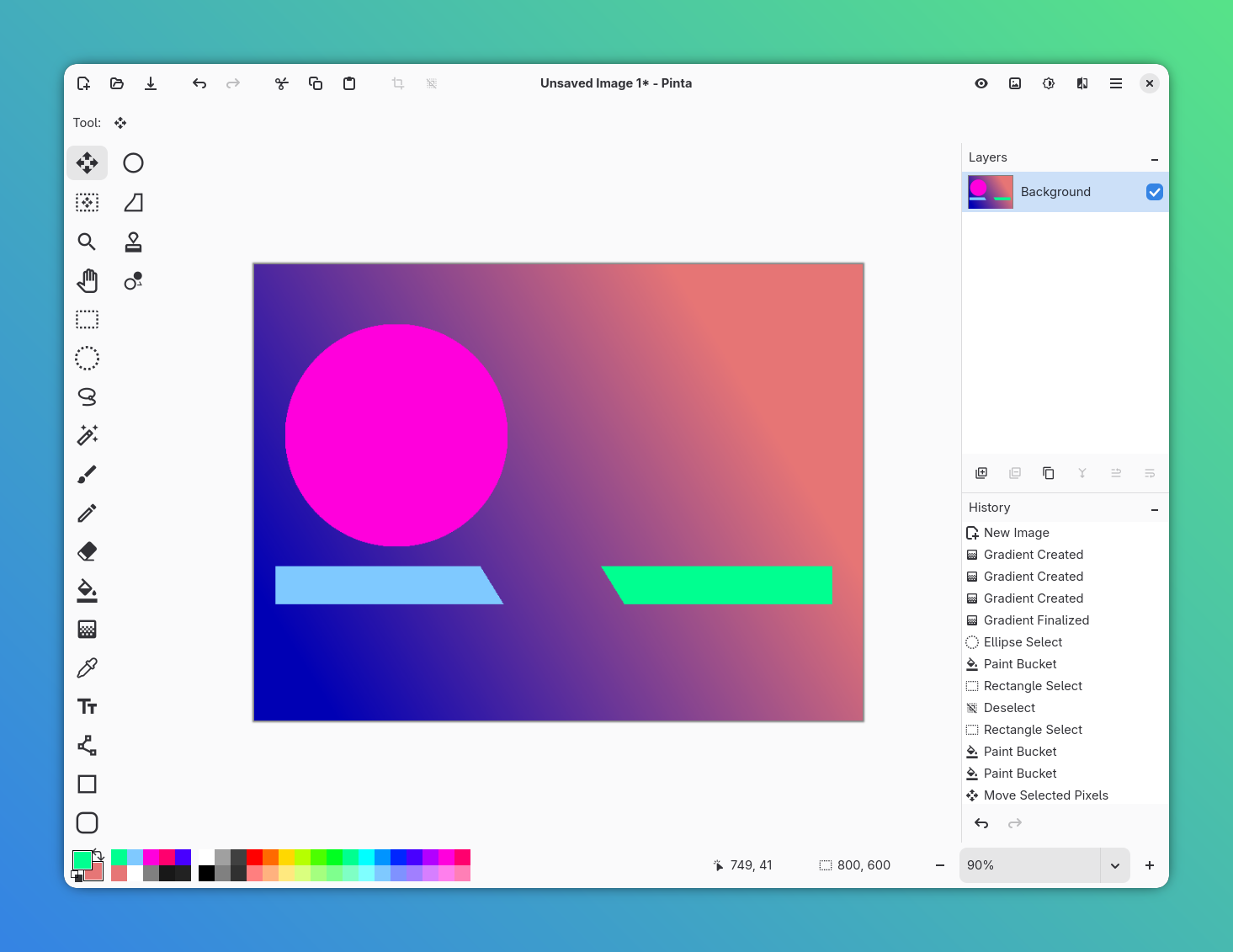
Need to quickly edit an image or make a thumbnail? Pinta to the rescue! It's fast and has a familiar UX. Sure, it's not as powerful as GIMP, but I find myself reaching to it more often.
Gradia
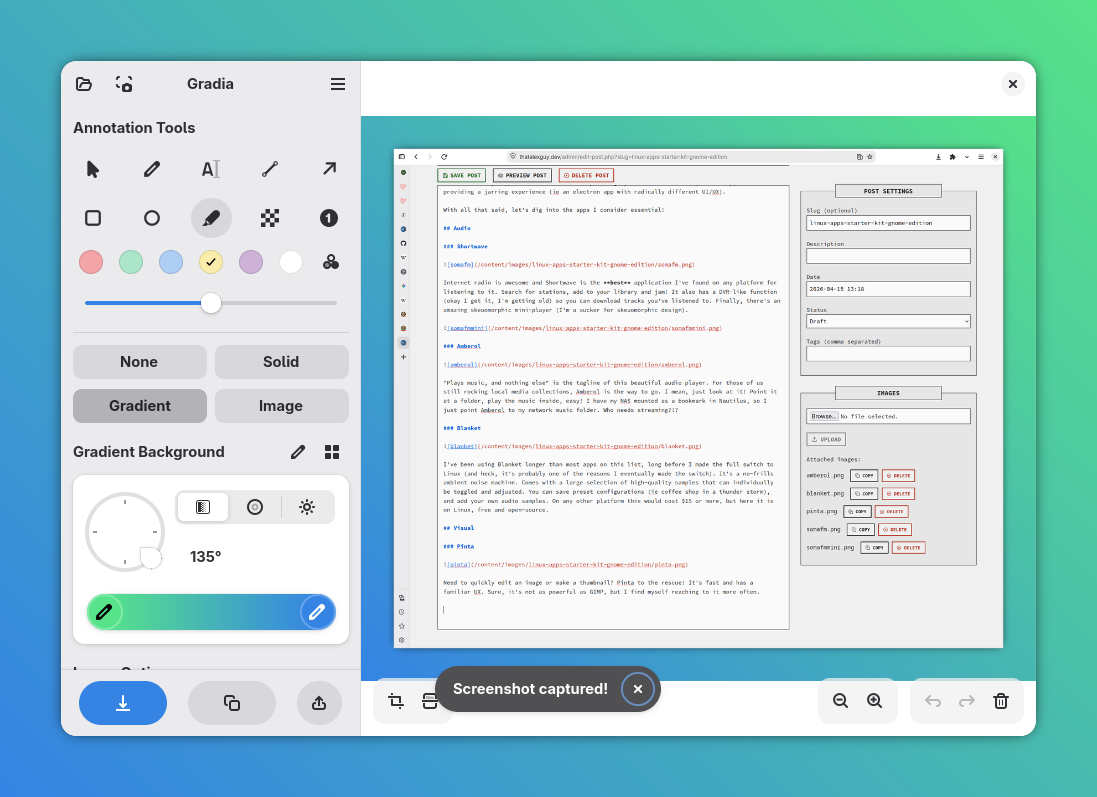
This app right here should be a default Gnome app, it's that good! Hands down the most powerful and user friendly screenshot tool I've used (and yeah, I've tried the popular Mac OS ones). Bind Gradia to a shortcut (I use Super + Shift + S) and it'll open after you take a screenshot. Gradia lets you add arrows, drawings, blur text, perform OCR, crop, add backdrops and more. It's honestly an essential application, and performs better than apps I paid $15+ for on Mac.
Switcheroo
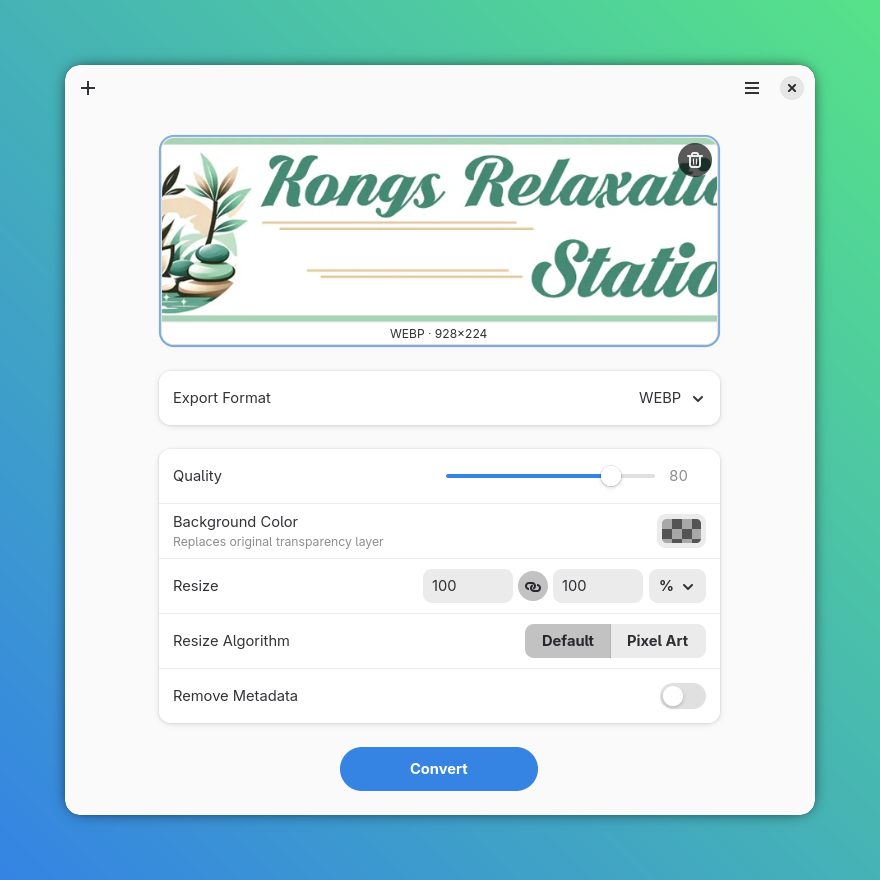
There's a lot of single purpose, well-built applications for Gnome, and Switcheroo is a great one I use daily. It takes an image in, and outputs in a different format. You can add on compression, resizing, strip metadata and replace transparency. I use it to optimize images for web.
Social
Tuba
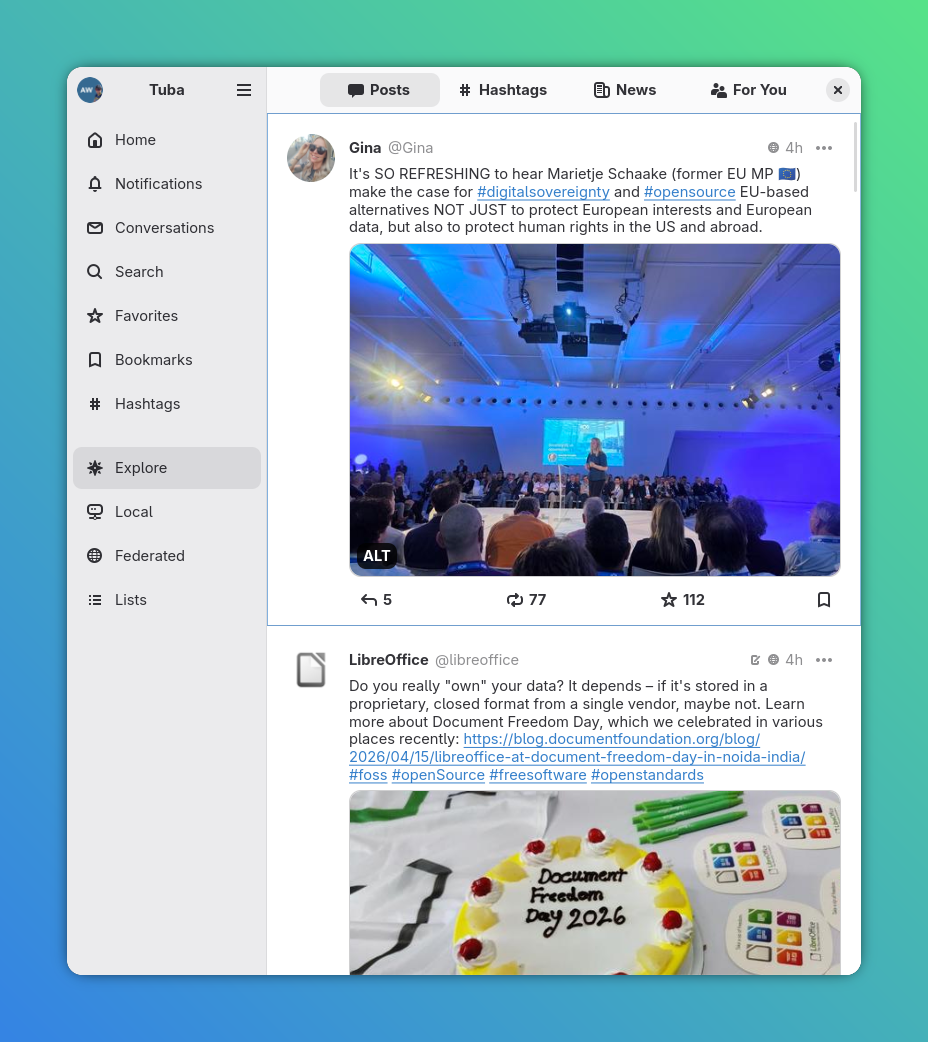
I don't use social media beyond Mastodon, but Tuba makes me glad I'm at least on that platform. Tuba is well designed, fast and filled with thoughtful features (like a custom emoji picker and the ability to schedule posts). I've tried the best on Mac (Ice Cubes), and it doesn't get close to comparing with Tuba.
Newsflash
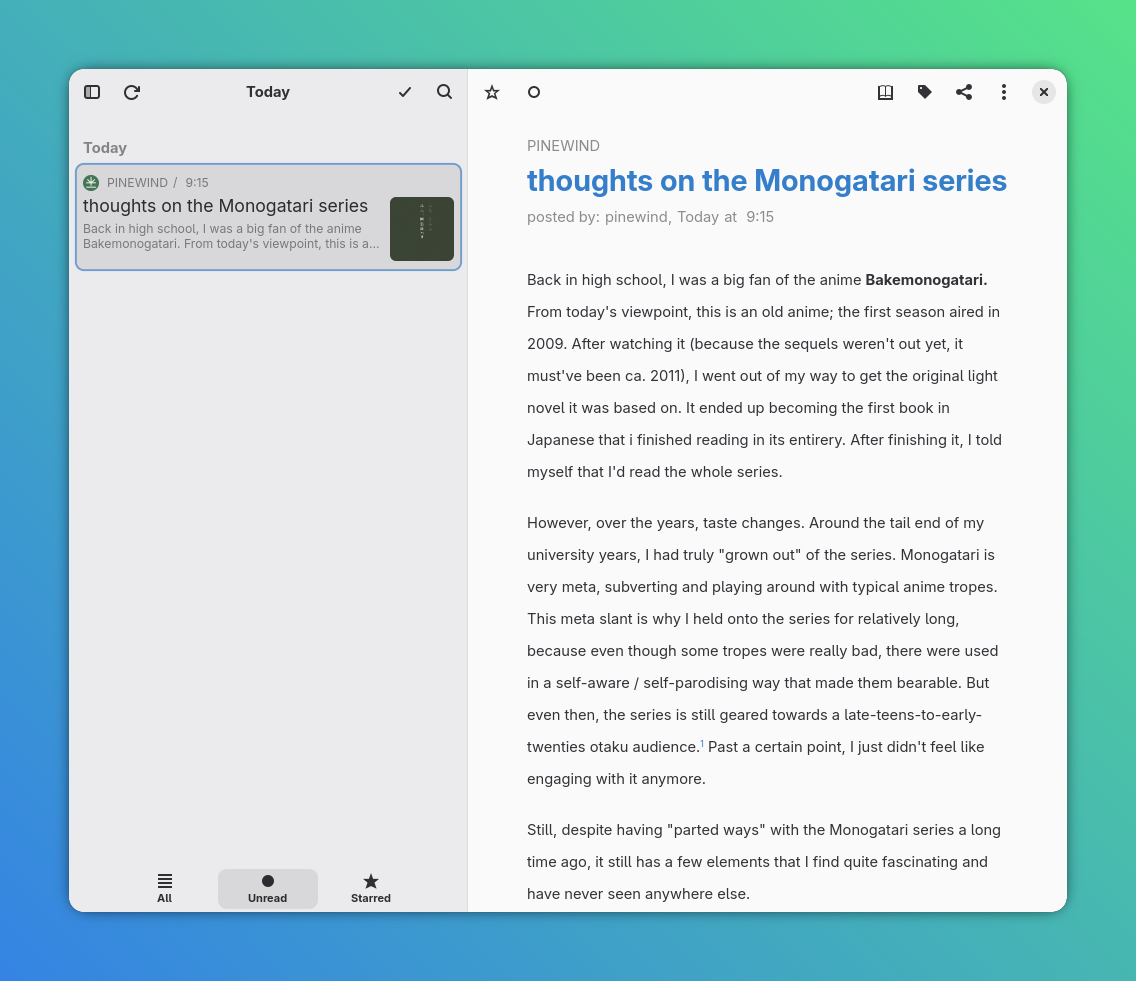
Mmmm RSS, my favorite (and probably how you're reading this article)! Newsflash is a great excellent, way to stay on top of your feeds. It's got categories, tags, OPML import/export, themes, and more. My favorite feature is the "Today" tab filtered by unread, great to catch up on what's new.
Productivity
Planify
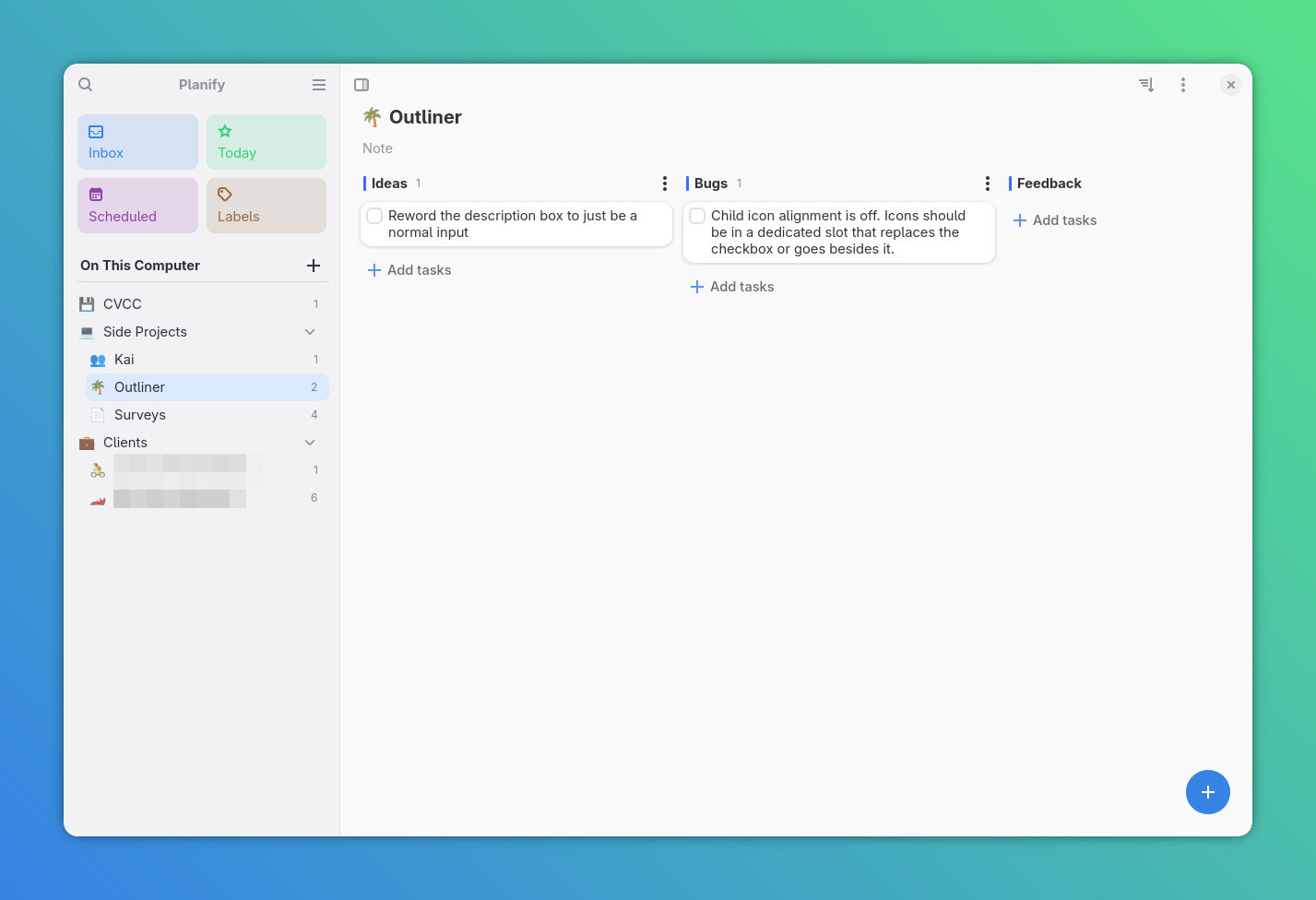
Here it is, my top pick. You don't even need to read this, just go download Planify, it's incredible. Alain took todos and added a bucketload of thoughtfully designed microinteractions. Labels, scheduling, today view, sections, kanban board, natural text to date parsing, the list goes on. When you hover the "Add" button, it does a little animation. When you complete a task, it gives a little sound. There's so many thoughtfully designed pieces in here!
Folio
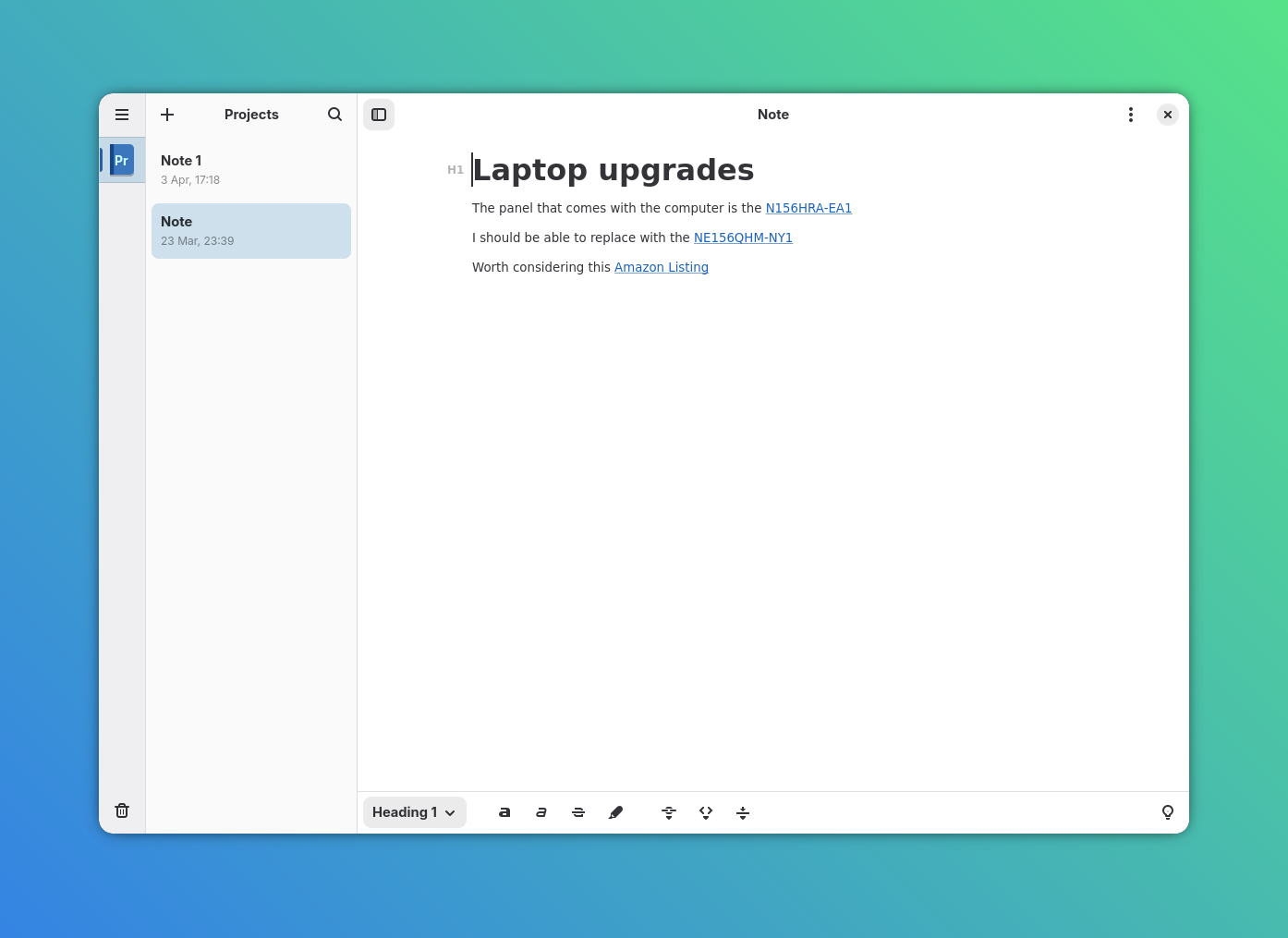
Markdown based note taking, done very well. Notes are organized into notebooks and paired with a pleasant, minimalist markdown editor.
Apostrophe
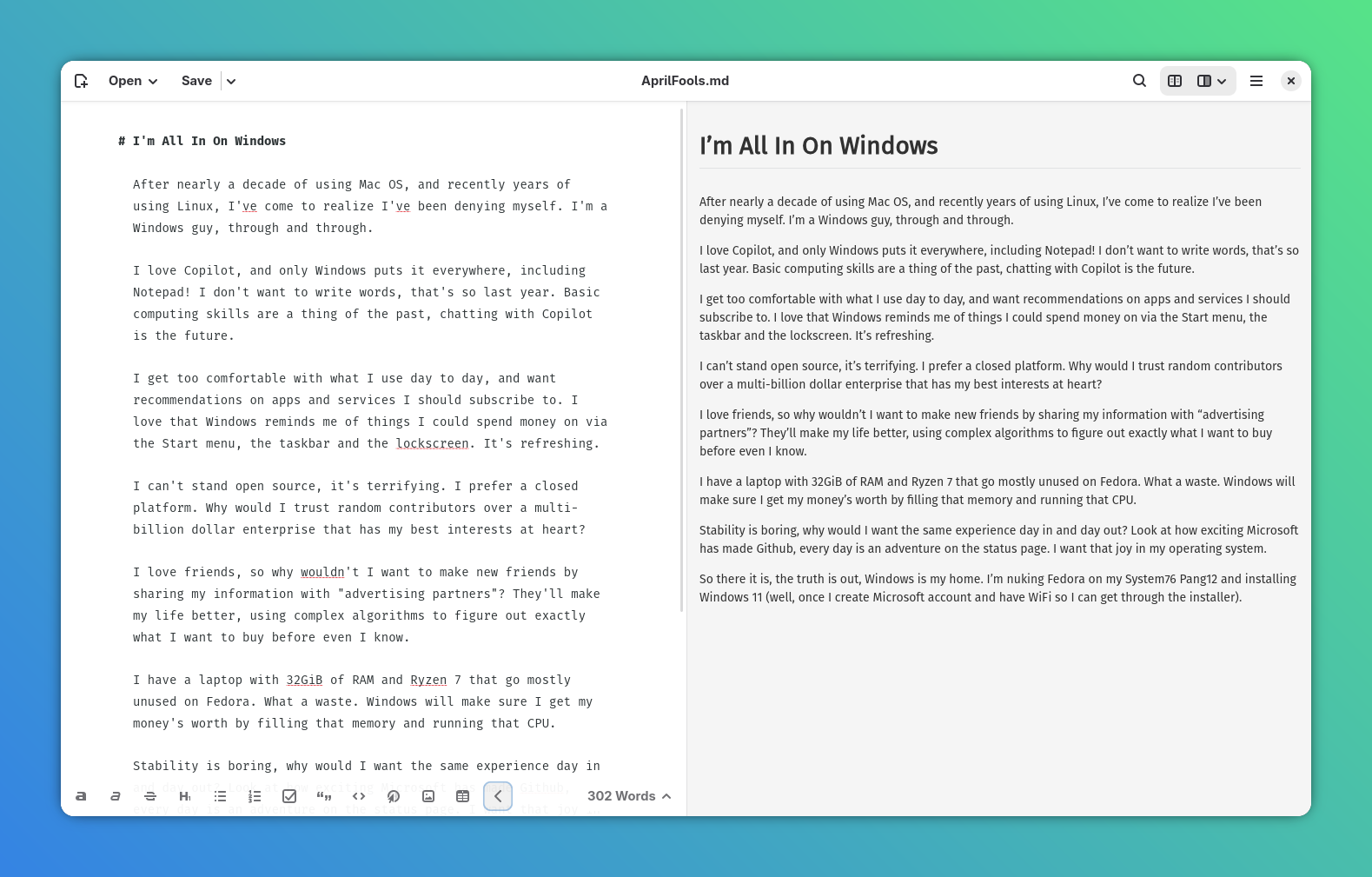
Distraction free markdown editor for writing long form content. Basically, the Linux alternative to iA Writer on Mac. It's beautiful, fast and has just enough features. I use it to write most of my blog posts!
Sessions
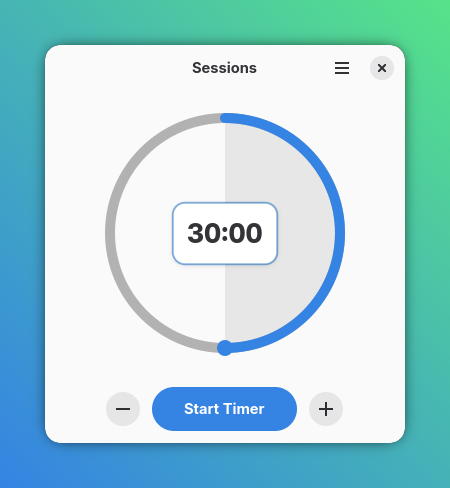
Another excellent, single-purpose application that I use on a daily basis. Sessions is an egg/pomodoro timer that beeps when time's up. You just drag the slider and the timer starts. Great for keeping yourself focused!
Foliate
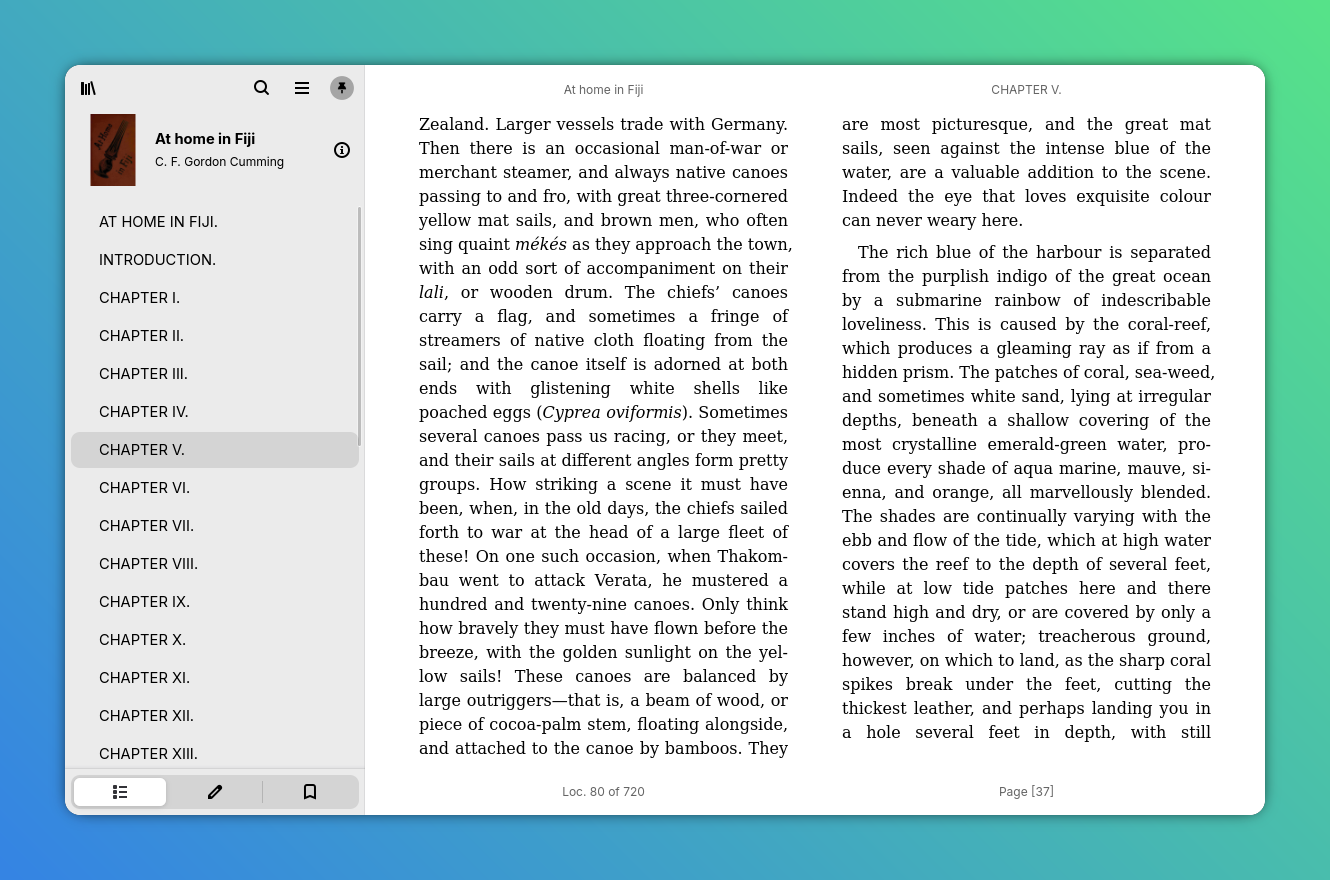
Holy crap this app looks good! John did an incredible job building the best ebook reader on Linux. You can bring your own books, or use the catalogs feature to discover public domain literature. There's support for annotations (with import/export), bookmarks, text to voice and theming.
Development
Bobby
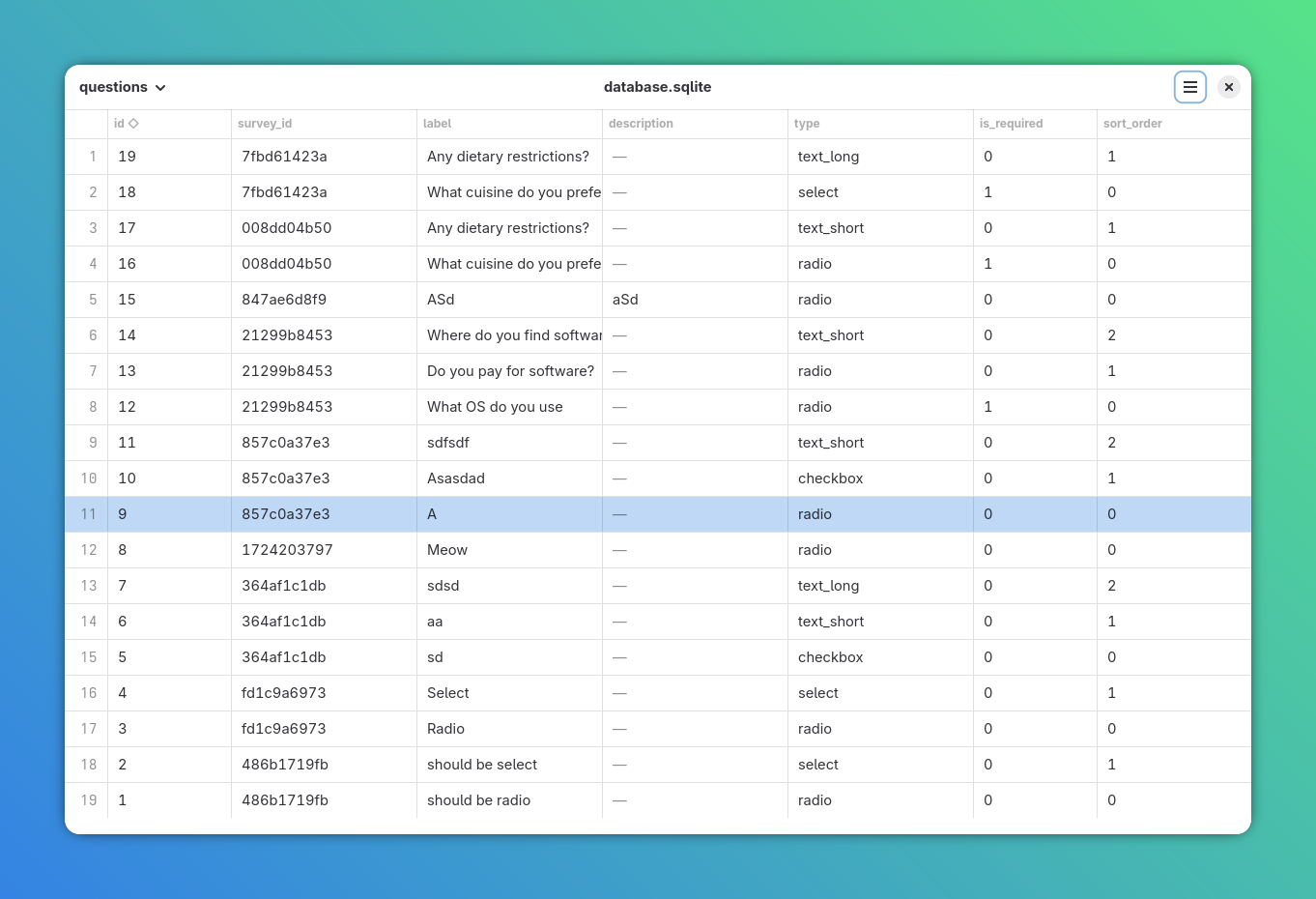
Got a sqlite database and want to know what's inside? Bobby to the rescue! Drag and drop your database file in and see the data. Simple, well designed and useful!
Dev Toolbox
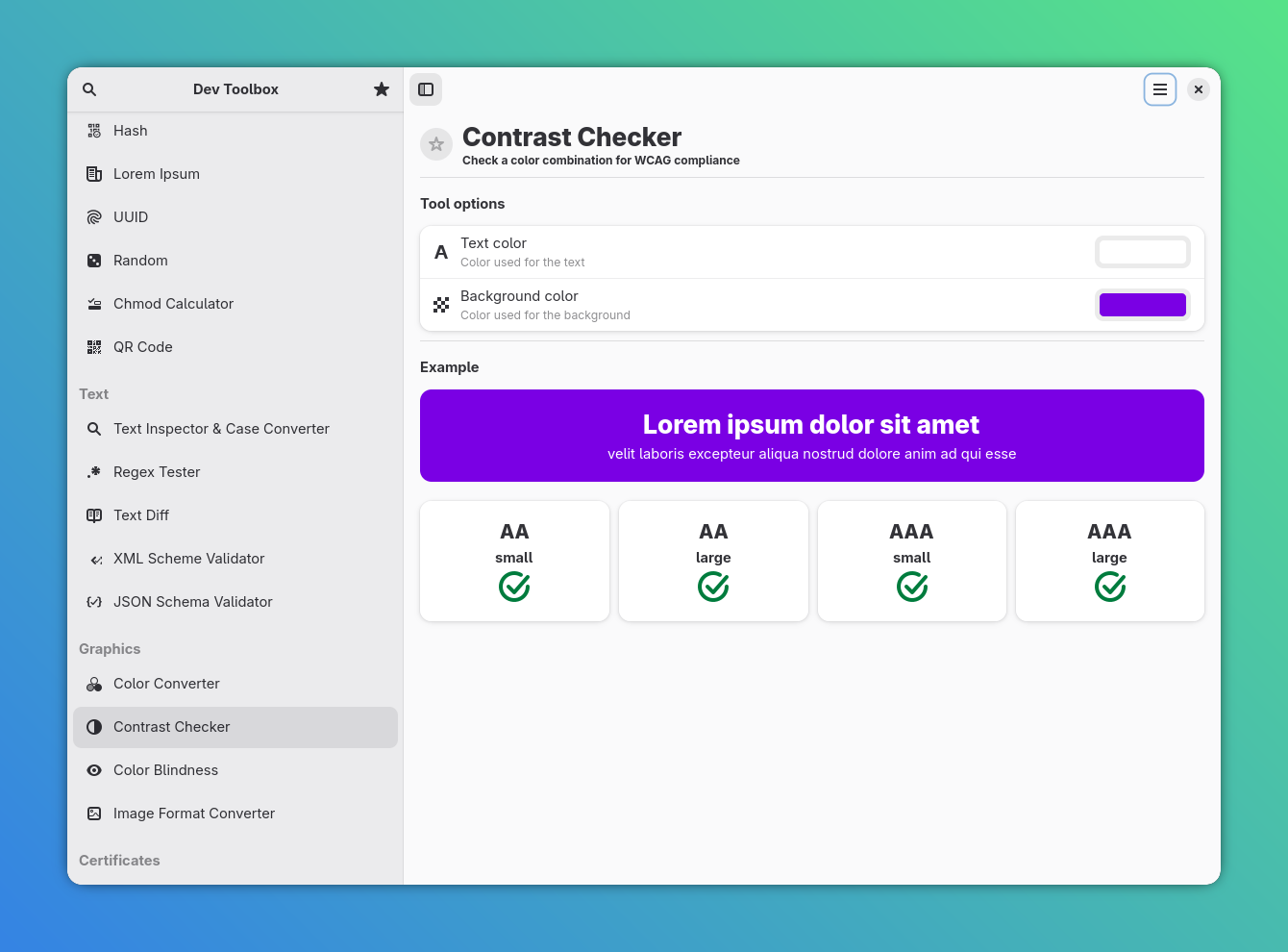
There's so much value packed into this app! Replace random sketchy websites you found on Google by using Dev Toolbox to generate a QR code, check contrast ratios, parse CRON strings and so much more. There's too much in here to cover, but it's become an essential part of my toolkit.
Other
Bazaar
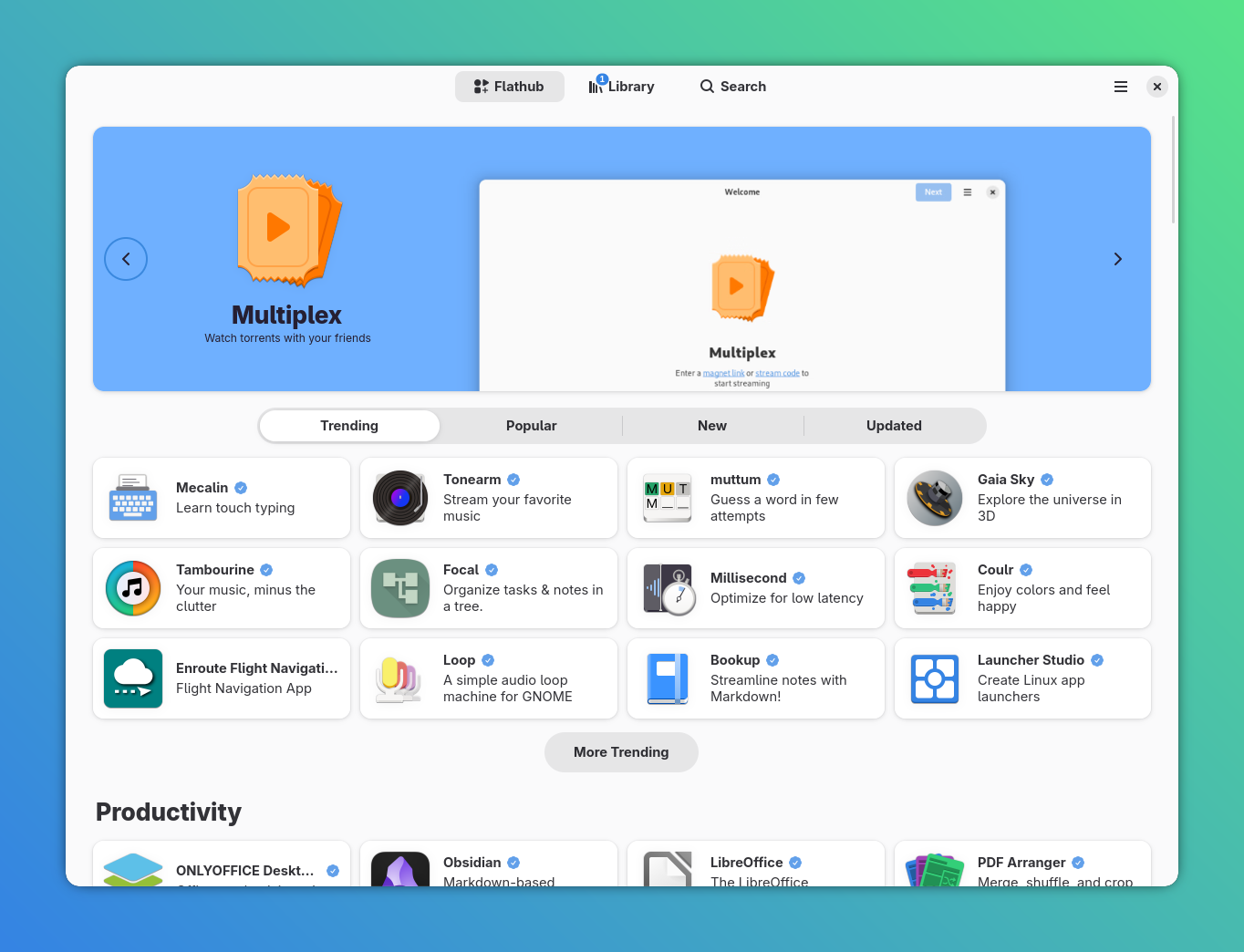
Bazaar is a faster, more reliable and visually more appealing alternative to the default Gnome Software application. It's one of my first installs on a new system and another application that should be a default Gnome app.
Extension Manager
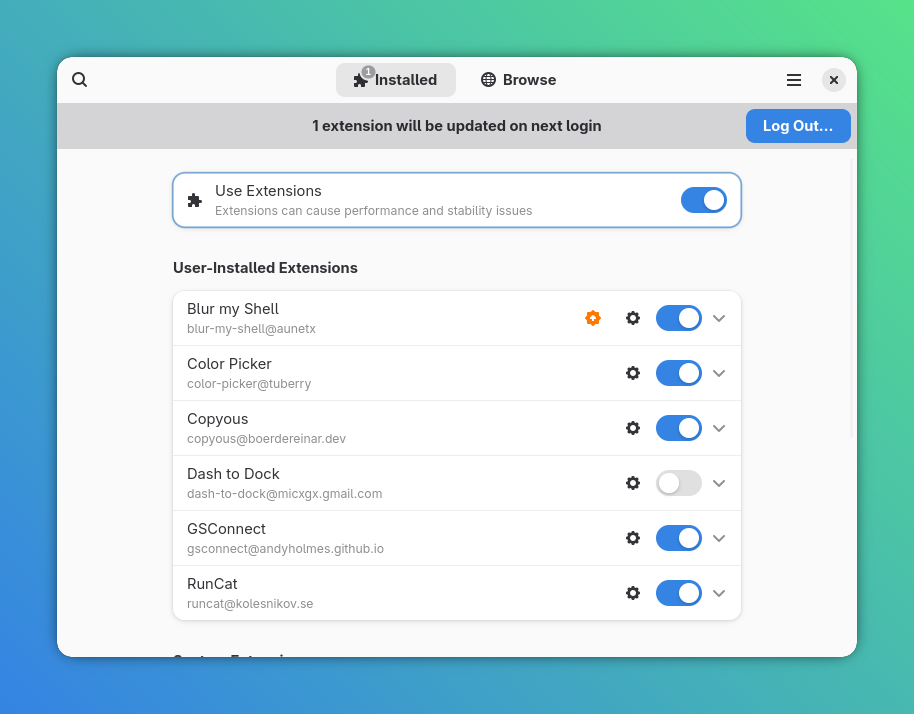
The absolute best way to discover, install and update Gnome shell extensions!
📦 Extension Manager on Flathub
Copyous
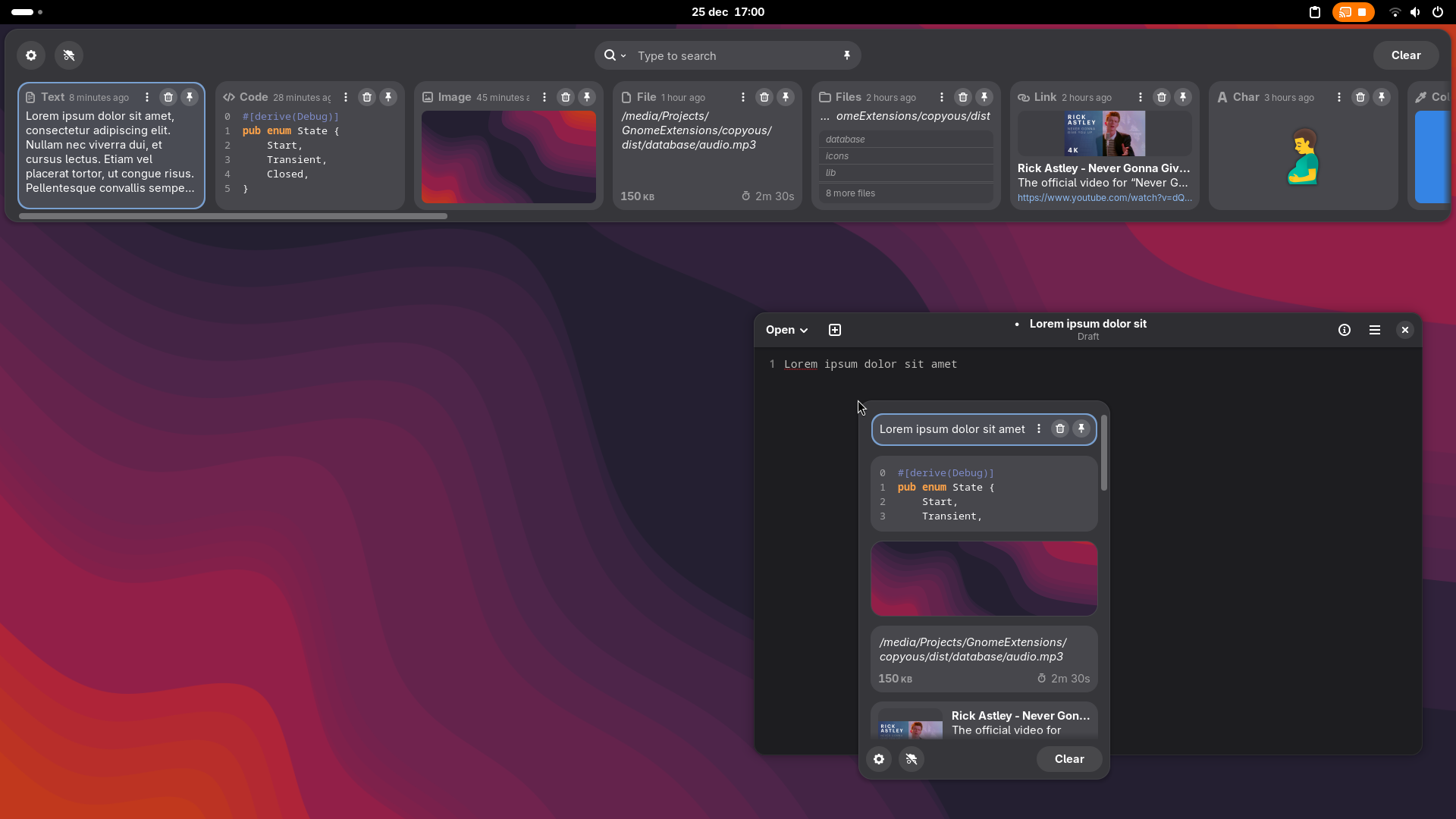
Copyous is a shell extension, and it's the best clipboard manager out there. Visually browse and search your clipboard history. Supports image previews, syntax highlighting, color previews (ie copy a hex code and it shows the color) and so much more!
What Did I Miss?
There's so many amazing applications on Linux that I definitely missed some! Feel free to shoot me an email at hi@thatalexguy.dev with recommendations. I'll do a separate post in the future for KDE applications!
Support The Applications You Love
I mentioned a few times in this article that some applications on Linux provide better value than alternatives I paid for on Mac OS. There's not a single paid application on this list, but that does not mean you shouldn't support the developers! These developers work hard to design, build, test and support the software that makes Linux great. If you like their work, show them some love!