Unleashing agents inside the workshop
| 3 min read
I recently learned of Ubuntu Workshops. In short, Workshops allow you to create an isolated development environment to safely work with AI agents. You get a configured (via YAML) sandbox where you can safely run an agent without the need for permission checks and guardrails. Workshops allow you to expose or block certain parts of your system as needed (for example, you can expose your GPU for local models or block access to your webcam).
Building by example
As an example, let's build a simple Rust app that converts images from the HEIC format (bane of my existence) to JPEG. We'll use Iced to provide a simple GUI that supports drag and drop.
Defining our workshop
First, install the Workshops Snap from the Ubuntu App Store. I also had to install the LXD subsystem for virtualization :
sudo snap install --channel=6/stable lxd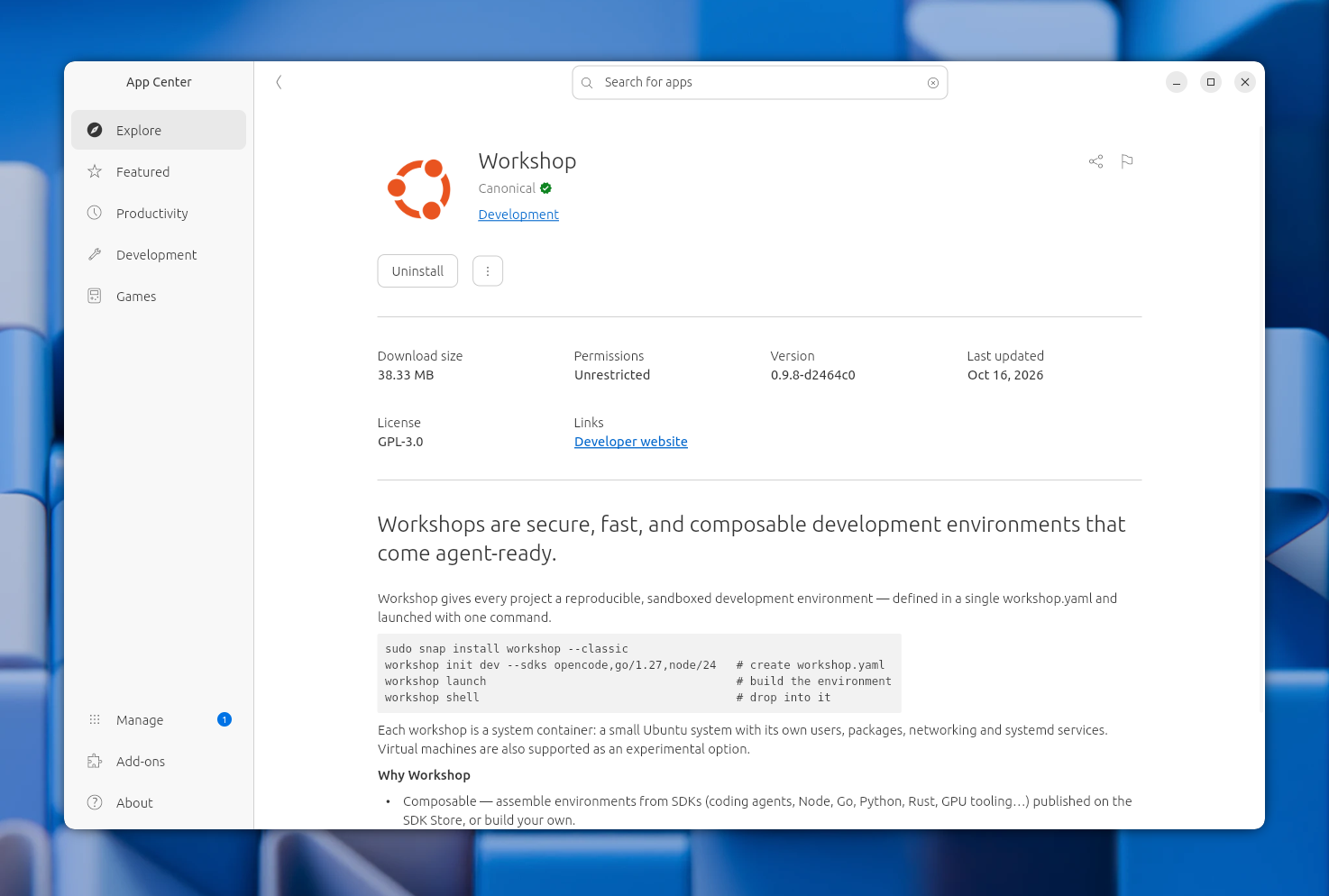
To setup the workshop, create an empty directory and run the following commands:
workshop init --sdks codex,rust dev
workshop launch
This will give a workshop named "dev" with Codex and Rust ready to go.
On first run, we'll need to login to Codex using the following:
workshop exec -- codexNext, we want to define an "auto-mode" for Codex so we don't have to deal with permission check prompts. We'll do this by defining an "action" in the .workshop/dev.yaml file.
name: dev
base: ubuntu@24.04
sdks:
  - name: codex
  - name: rust
# Add the lines below
actions:
  codex-auto: |
    codex exec --model $CODEX_MODEL --yolo "$@"
  codex: |
    codex --model $CODEX_MODEL --yolo "$@"
We've added two actions, codex-auto to define a non-interactive session, and codex for an interactive one. Both have the --yolo flag which bypasses permission checks. As an added benefit, actions make it easy to standardize how we pass instructions to agents. We could easily define a Claude action that accepts the same arguments as Codex.
Now let's define our prompt, instructing the agent to build our Rust application. This could of course also be done interactively via the Codex TUI inside the workshop, or through a a AI software factory. For now, we'll create a prompts/rust-developer.md file and add the following:
You are building a Rust app in this repository.

Goals:
- Provide a small GUI app with a single screen.
- Use Iced to develop GUI components.
- The GUI screen features a button to browse files and select one or more ".HEIC" format image files.
- When an image is selected, the application converts to JPEG and saves the output to the same directory as the original HEIC image.
- The application shows a notification on successful conversions, and notifications on errors.
- The application supports converting multiple images at once, converting each in a queue.
- Add a short README.md with run instructions.

Constraints:
- Target Linux host systems with Wayland.
- Keep the code simple and readable.
- Implement the HEIC conversion within Rust, do not depend on any system utilities.
- You do not have Wayland access, so do not run the application.
Finally, we'll setup Git for version controlling.
git init
cat >> .gitignore << EOF
.workshop.lock
.workshop/
EOF
Running our agent
Time for the fun part! We'll use the codex-auto command to build the application in the src folder without needing any input from the user.
workshop run --env CODEX_MODEL=gpt-6.1-sol -- \
codex-auto "Follow the instructions in ./prompts/rust-developer.md"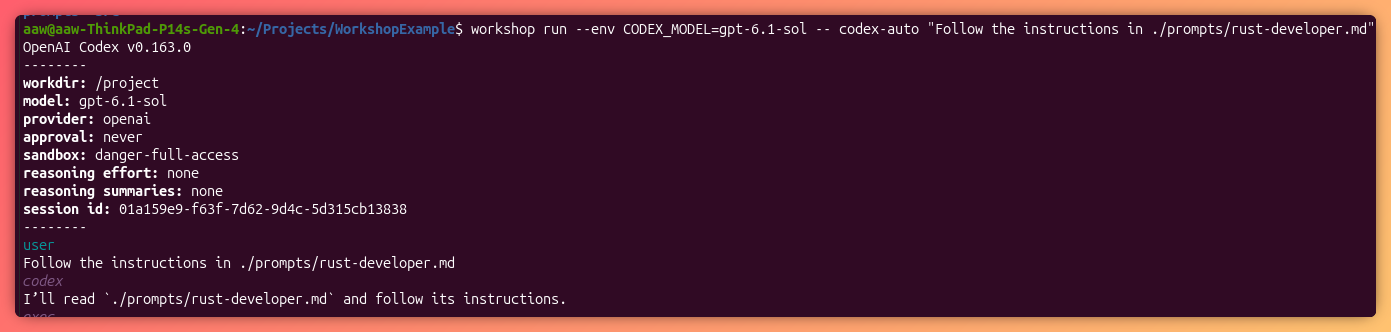
The agent will now run completely autonomously with no need to press "enter" on permission checks. Our host system remains protected as the agent is sandboxed away from our filesystem and devices.
In fact, you'll notice in the prompt we specified that the agent should not try running the application. This is because we didn't provide access to a Wayland or X11 display server, so the agent cannot run a GUI application.
Reviewing the result
Here's what I got as a result:
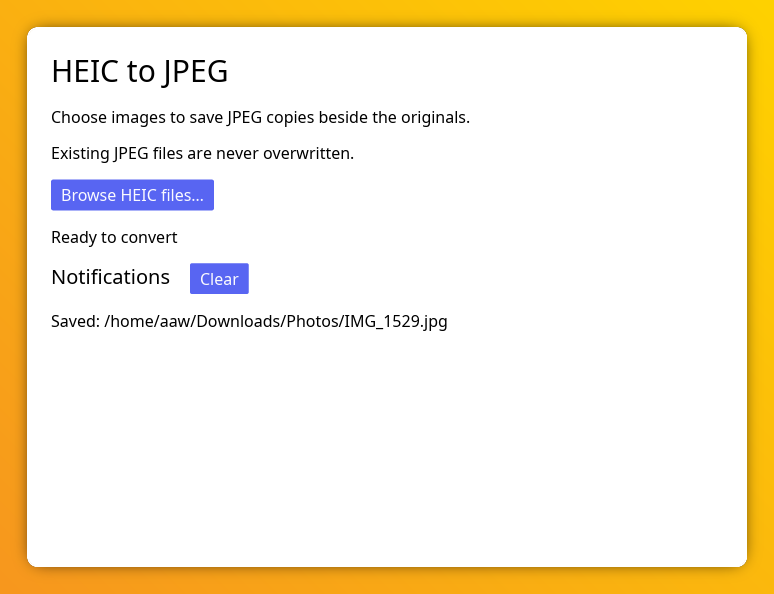
The UI isn't great, but it works and successfully converted some photos from my iPhone!
Are workshops worth it?
After putting together this article and testing out workshops, I'd say it's definitely a tool worth using. Workshops add minimal overhead, provide a composable/reusable environment for development and safeguard your host system from agents going rogue. Between this and Myna, Canonical is doing a lot to support the new development workflows that are becoming common